
01 Capture
One frame starts the whole wedding story.
The photographer clicks. Ezhuvam StudioFlow keeps every step after that click connected to the same job.
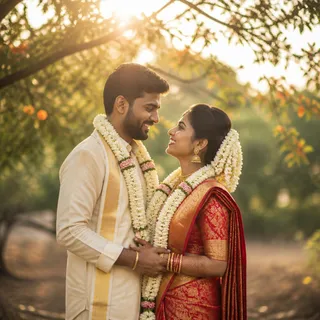 1/250 · f2.8 · ISO 400CAPTURED 001
THE OPERATING SYSTEM FOR WEDDING STUDIOS
Ezhuvam StudioFlow runs the whole wedding job in one place — clients, quotes, payments, client photo selection, album design, approvals and secure file delivery.
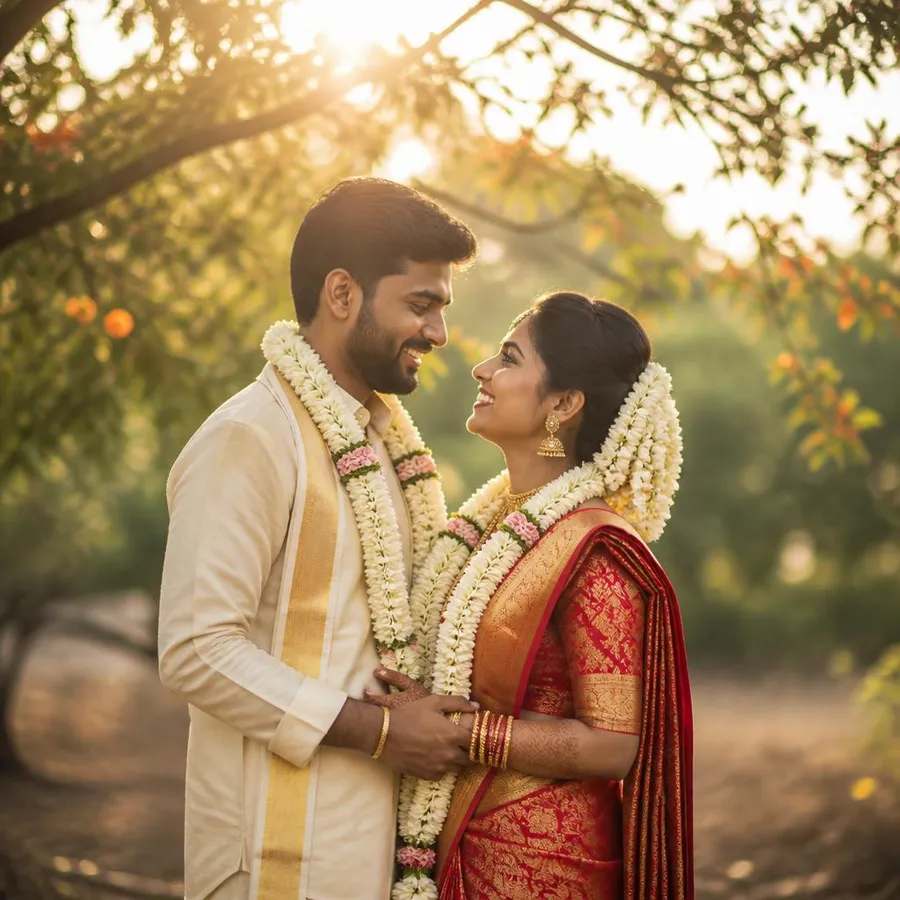 Capture phase
01 Capture
The photographer clicks. Ezhuvam StudioFlow keeps every step after that click connected to the same job.
1/250 · f2.8 · ISO 400CAPTURED 00102 Gallery
Photos flow into one clean client gallery — no folders, no screenshots, no repeated uploads.







Aanya & Rohan · 420 moments synced
03 Selection
A studio-branded link opens a mobile gallery where the couple marks their favourites in minutes.
YOUR STUDIO · WhatsApp
Aanya & Rohan · Photo Selection
Choose your favourite wedding photos from our private gallery.
Open selection gallery
04 Album
Chosen photos travel straight into a real album canvas — drag-and-drop control or One-Click Album Draft.
SWEET
COUPLE
05 Correction
The couple pins a comment on the spread. The studio fixes it and receives one clear approval.
SWEET
COUPLE
106 Delivery
Approved spreads and full-resolution finals become one professional, expiring delivery link.
Aanya & Rohan · Finals
420 original images · Secure delivery
Upload complete · Link ready
ezhuvam.com/share/aanya-rohanThe problem
Most studios juggle WhatsApp, Drive, Canva, and spreadsheets — losing hours and confusing clients. Ezhuvam StudioFlow replaces all four with one premium platform.
Enquiries, contacts, and requirements buried across endless chats and screenshots.
Drive folders, spreadsheets, and screenshots break the client experience and slow delivery.
Designers ping-pong between Canva, PSD files, and email approvals for every spread.
Public links, giant zips, and re-uploads make delivery feel unprofessional.
Features
From the first enquiry to the final printed album — client management, quotes, payments, uploads, selection and album design work together, beautifully.
Client Management
Enquiries, contacts, wedding dates, preferences and notes — organised and searchable.
Quotes
Reusable packages, taxes and terms. Send a polished PDF or share link couples actually open.
Payments
Track paid, pending and overdue in one view. Send automatic reminders — no awkward follow-ups.
Image Uploads
Parallel uploads with resume, progress and previews — no more Drive folders or broken zips.
Client Photo Selection
Couples tap Select · Maybe · Reject on any device. You watch progress live and export the shortlist.
Album Designing
Auto-flow selected photos into spreads, tweak layouts, add text and backgrounds, export print-ready PDF.
Pricing
Start free, grow with your studio, and unlock advanced tools as your business scales.
For testing and evaluation
After the trial, upload, edit and create are blocked. You get a 3-day recovery window — upgrading within it preserves the project. One trial per user.
Best for small studios
Thumbnails and previews do not count towards the original-image allowance. The monthly allowance does not carry forward.
Best for growing wedding studios
Thumbnails and previews do not count towards the original-image allowance. The monthly allowance does not carry forward.
Best for advanced studios
Thumbnails and previews do not count towards the original-image allowance. The monthly allowance does not carry forward.
Extra File Sharing add-ons — top up any active plan.
All plans include secure client access, mobile-friendly selection, and Cloudflare R2-powered file delivery.
Storage policy: Images are stored while your plan is active. If a paid plan expires, your account becomes read-only. New uploads and new client galleries will be disabled. Existing images are retained for 30 days and can be restored by renewing within the grace period. After 30 days, stored images may be permanently deleted. Client details, project details, quotes, payment records, and selected filename lists remain saved.
Workflow
Designed end-to-end so nothing falls through the cracks between you, your team, and your couples.
Add Client
Capture couple, contacts, and wedding date.
Send Quote
Branded, itemised pricing in minutes.
Track Payment
Advance, milestone, and final balance in one view.
Upload Images
Bulk-upload thousands of previews reliably.
Send Selection Link
Private mobile gallery, one secure link.
Client Selects
Select / Maybe / Reject on any device.
Design Album
Drag-and-drop spreads, export print-ready PDF.
Deliver Files
Secure expiring links, original quality downloads.
Benefits
Automations replace the WhatsApp back-and-forth between you, clients, and team.
One approval flow ends screenshot chats and repeated requests.
Gallery, album previews, and delivery links that match your photography.
No more Canva, PSD, and email loops for every spread and revision.
Expiring links and CDN downloads keep client work private and fast.
Every wedding, quote, selection, album, and delivery in one searchable workspace.
FAQ
Start with CRM and client selection today. Add advanced album design later as your studio grows.
Built for modern studios
Early AccessOne calm workflow for every wedding story.
From the first enquiry to final delivery, Ezhuvam keeps your clients, selections, albums, payments and files connected.
One connected workspace
CRM, quotes, payments, photo selection, album design and file sharing work together without switching between multiple tools.
Designed for real studio work
Built around the daily workflow of photographers, editors, clients and wedding teams.
Professional client experience
Share branded links, collect selections, receive corrections and deliver final files through one polished experience.
Built for photographers who want to spend less time managing tools and more time creating.